

Privacy first
Your prompts and code never leave your machine: all optimization runs locally.
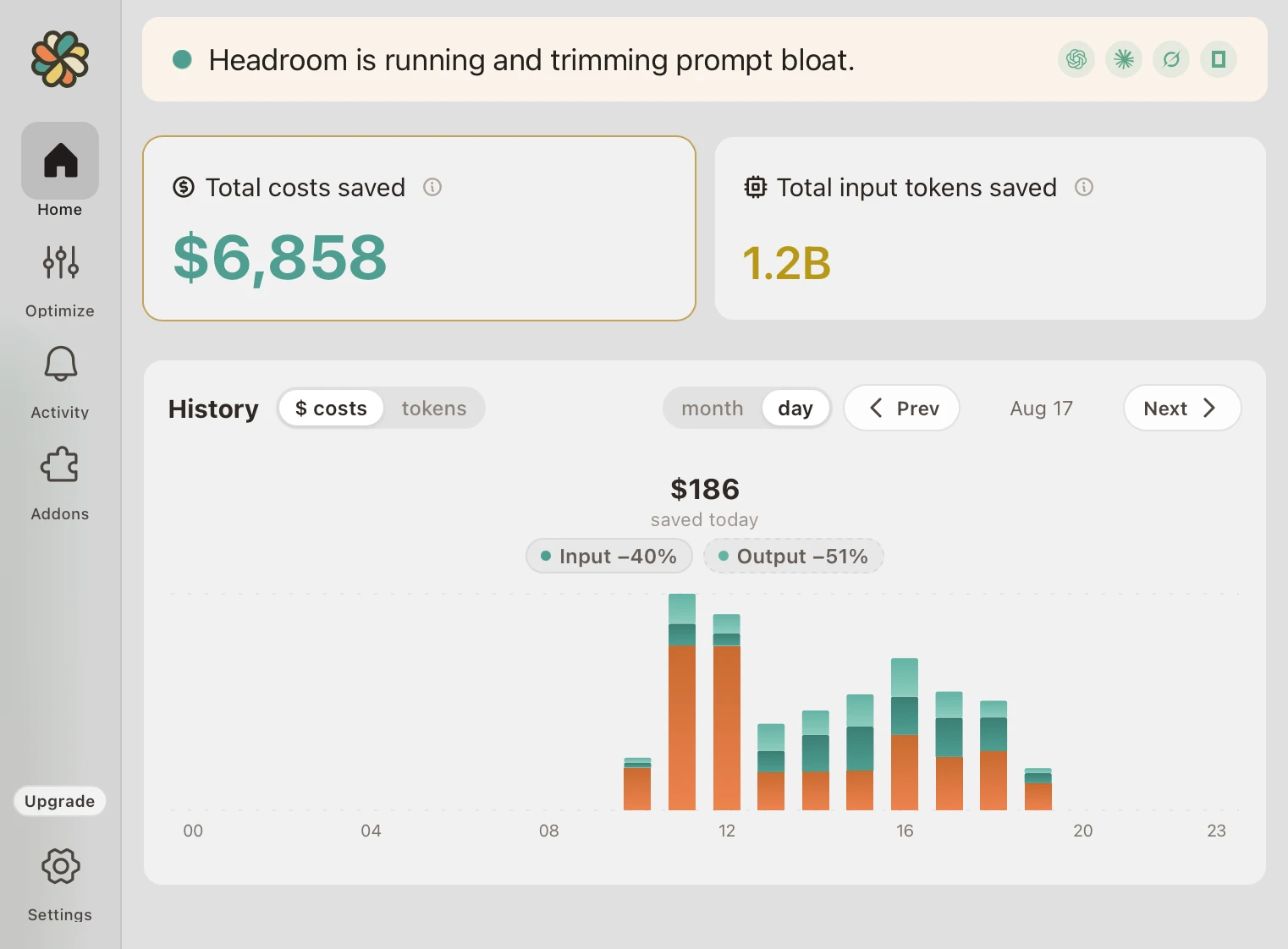
Headroom is a menu bar app that quietly optimizes the inputs Claude Code and ChatGPT Codex get by compressing the bulky tool output, logs, and boilerplate that devour tokens.
This unlocks up to 2x as much usage on the plan you already pay for.
7-day free trial · no credit card required
Used by team members of
Your prompts and code never leave your machine: all optimization runs locally.
Keeps your runtime clean, never interfering with packages your projects depend on.
Headroom compresses the noise reversibly, so the model still reaches anything it needs, with no measurable hit to output quality.
The problem
Claude Code and ChatGPT Codex are the best part of your week, until the usage runs out. Most of what burns through that limit isn't your thinking; it's the noise your tools pump into every prompt. Upgrading a tier only raises the ceiling: you send the same bloated prompts and burn through the bigger limit too.
How it works
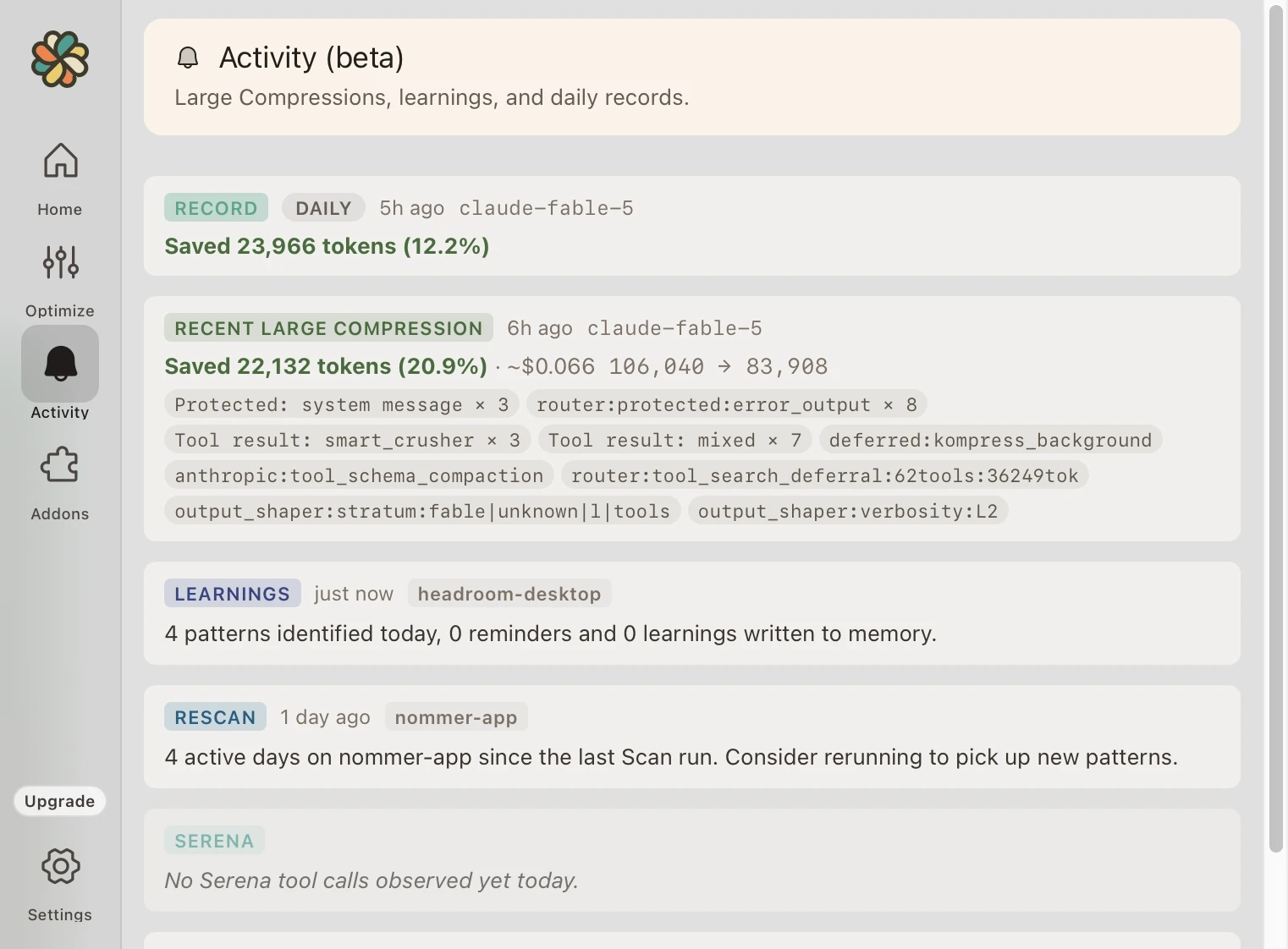
Headroom compresses repetitive tool output and context locally before forwarding requests to your coding agent's AI provider. Stored originals remain available through retrieval tools. Savings depend on the content processed.
Benchmarks
These are per-scenario results on the noisiest inputs (JSON tool results and logs), where compression runs ~50% and up. A full session blends these with turns that have little to compress, so for real-world coding agent workloads expect roughly 25-50% savings overall. Measured before and after, on real workloads. Actual savings depend on your workload and are not guaranteed.
Fewer tokens doesn't mean fewer answers. Headroom strips noise, not signal. Every benchmark below ran the same task with and without compression, then compared the outputs.
Based on data from the open-source Headroom CLI benchmark suite.
Add-ons
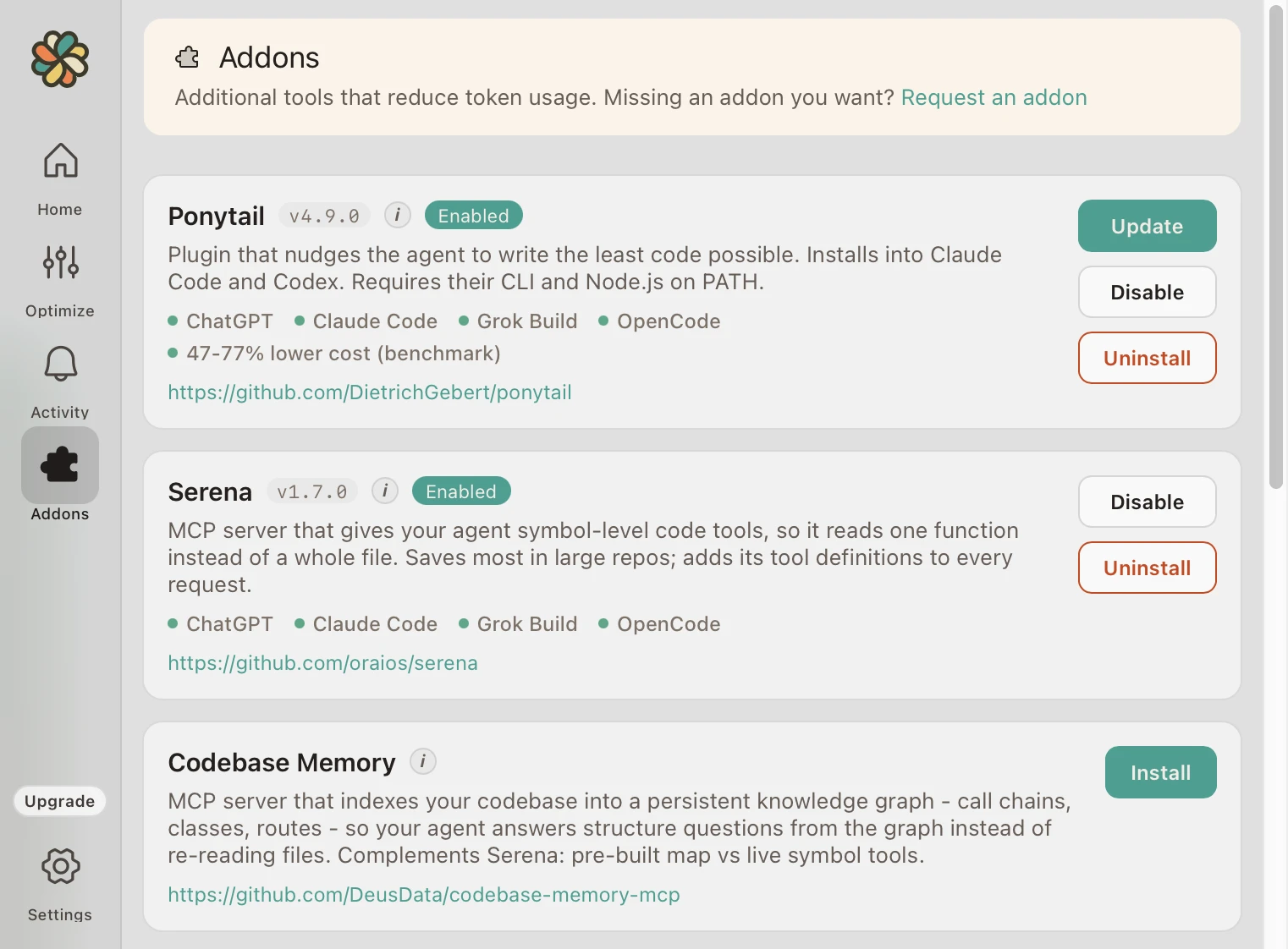
Core compression works on its own. These install with one click from the app and go after the rest: noisy command output, binary documents, whole-file reads, and long-winded replies.
Terminal
Summarizes supported terminal-command output instead of forwarding the whole dump.
Documents
Converts PDF and Office documents to Markdown, so your agent can read them at all.
Code
Symbol lookup and targeted reads, so a question about one function doesn't pull the whole file.
Code
Indexes repository structure and relationships, so the agent stops re-deriving your layout.
Docs
Retrieves version-specific library documentation instead of guessing at an API.
Output
Adds instructions that steer the model toward smaller, simpler implementations.
Output
Adds instructions for shorter replies, which cuts output tokens on every turn.
ROI Calculator
Headroom costs a fraction of your AI subscription and delivers up to twice the usage.
Testimonials
Why switch
You have options when the usage runs low. Here is how they stack up against Headroom.
| Headroom | Do nothing | Run /compact by hand | Upgrade your tier | |
|---|---|---|---|---|
| More usage per plan | ~2x | None | A little | More, until you cap again |
| Extra monthly cost | Small flat fee | $0 | $0 | +$80/mo and up |
| Keeps output quality | Preserved | n/a | Drops context | Unchanged |
| Effort from you | Install once | None | Every session | One click, recurring bill |
Pricing
Download the app and start a 7-day free trial, no credit card required. When the trial ends, pick the plan that matches your Claude or ChatGPT tier to keep optimizing. Each plan is priced as a small fraction of the subscription it stretches, so the bigger your plan, the more usage Headroom hands back. Need rollout controls or private deployment? Talk to us about Headroom for teams.
Claude Pro · ChatGPT Plus
Includes:
Claude Max x5 · ChatGPT Pro x5
Includes:
Claude Max x20 · ChatGPT Pro x20
Includes:
Shared controls, governance, and private deployment options
Resources
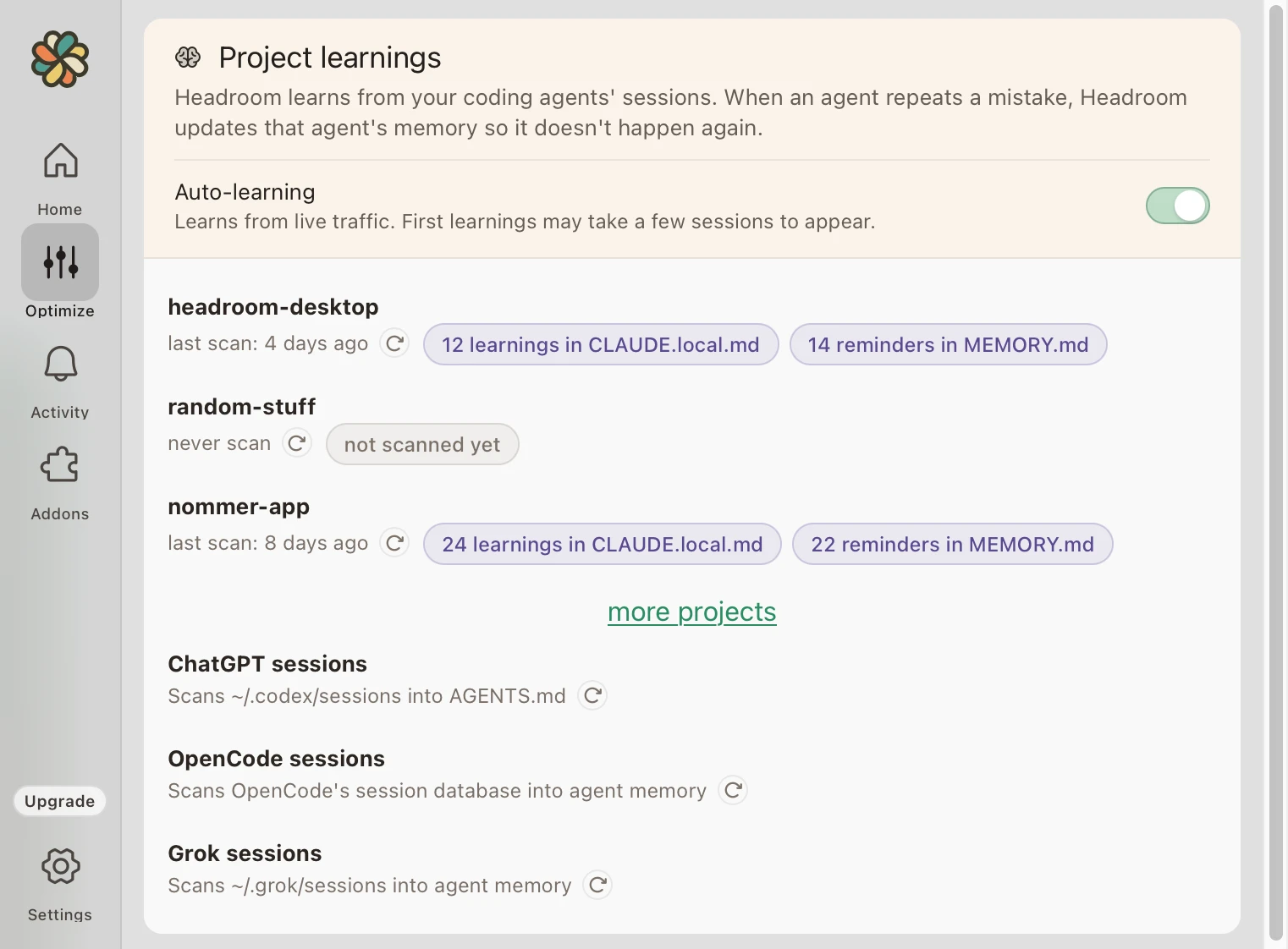
Guides on reducing Claude Code and ChatGPT Codex costs, understanding usage limits, and cutting Claude API spend, plus how Headroom makes AI coding more sustainable. For privacy, quality, and rollout questions, see the FAQ.
Setup
The two ways to run Headroom (the free CLI you operate yourself, or the one-click desktop app that runs in the background) and how to pick.
Cost Guide
Learn where token waste comes from, which workflows benefit most from compression, and how Headroom helps preserve quality while cutting spend.
Why So Expensive
The four patterns that drive Claude Code token spend: verbose tool output, repeated context, multi-step debugging, and large codebase reads.
Usage Limits
How the 5-hour rolling window and weekly cap work, what each plan covers, and how to keep coding without immediately upgrading.
Claude API
Practical levers for cutting Claude API spend: prompt caching, model tier routing, output limits, batch API, plus the Claude Code shortcut.
Codex Cost Guide
The same compression that stretches Claude Code applies to OpenAI Codex: cut token waste from logs, boilerplate, and large reads on your ChatGPT plan.
Codex Usage Limits
How the Codex 5-hour rolling window and weekly cap work, what each ChatGPT tier covers, and how to keep coding without upgrading.
Ready to try it?
Install the app and start reclaiming Claude Code and ChatGPT Codex usage in minutes.
7-day free trial · no credit card required